Version 2.0 · macOS & Windows · open source
Screenshots worth sending.
Capture anything, mark it up precisely, and wrap it in a canvas that carries it. Two native apps over one Rust core. No account, no telemetry, no server — your screenshots never leave your machine.
What it does
Capture is the easy part. The rest is where the time goes.
All of it native, all of it local, all of it on both platforms unless noted.
Region, window, display, scroll
Draw a region on any monitor, isolate a window, or stitch a long page into one tall image by matching overlapping rows.
Thirteen tools, full undo
Arrows that curve, shapes, text, numbered steps, highlighter, freehand, spotlight, crop. Nothing is baked until export.
Redaction that holds
Blur, pixelate, or an opaque block. Exporting flattens it into the pixels, so what you hid cannot be lifted back off.
Search inside old captures
Text is read on-device and indexed with full-text search, so a screenshot from months ago is findable by what it says.
MP4 and GIF
System audio, a countdown, pause and resume, with controls that stay out of the recording. macOS today.
66 languages, 7 themes
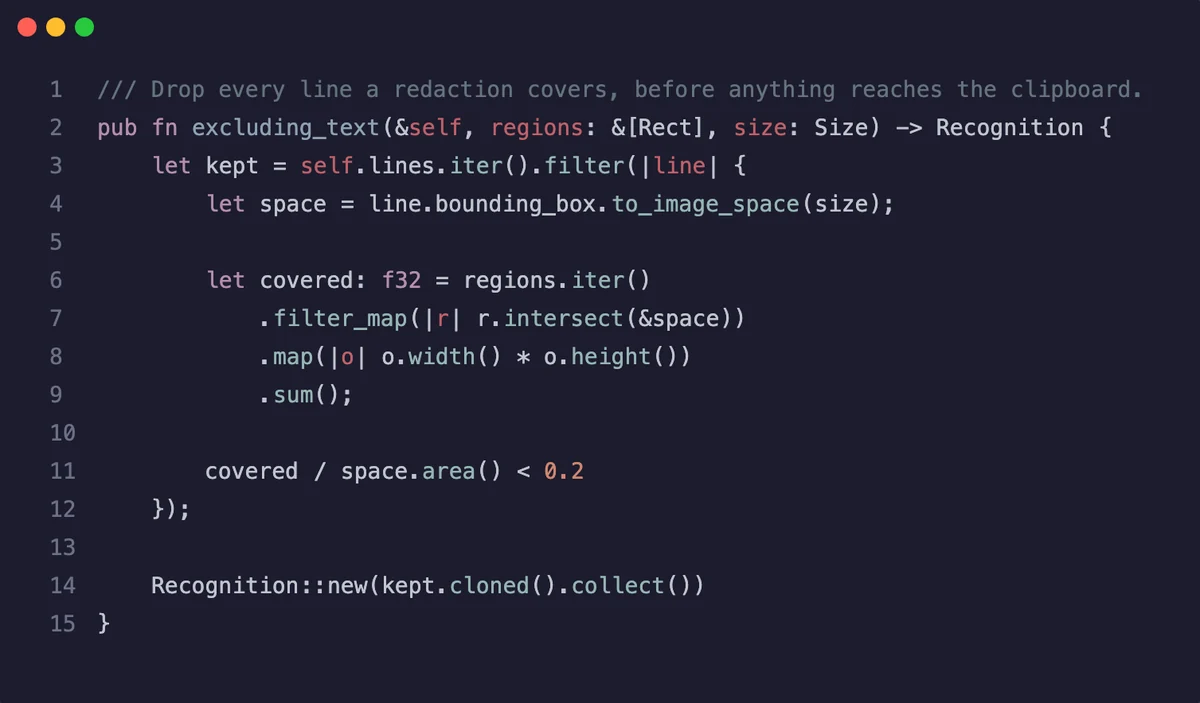
Paste code and get the same highlighting your editor uses, wrapped in the same canvas. Export PNG or SVG.
Real output
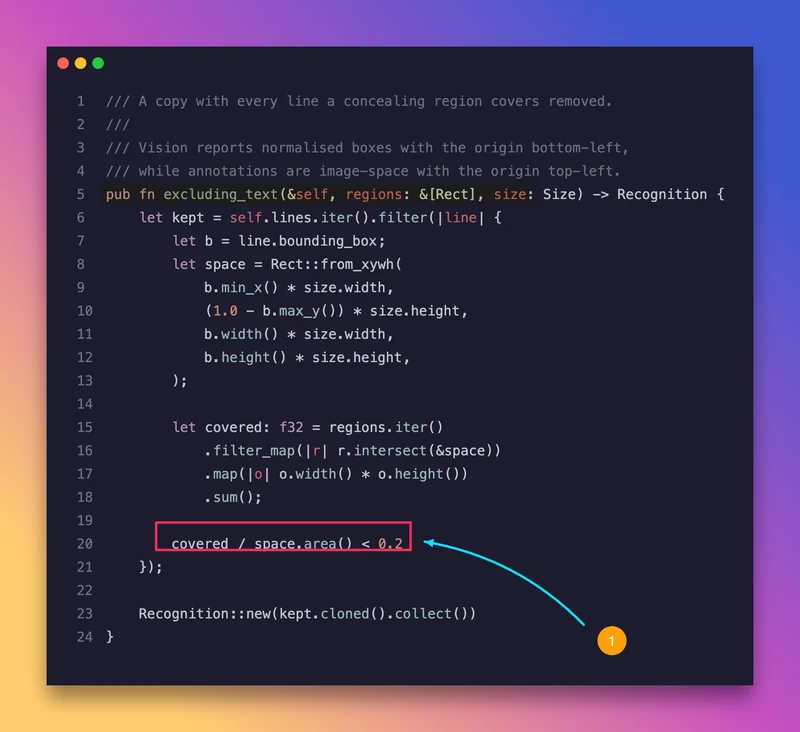
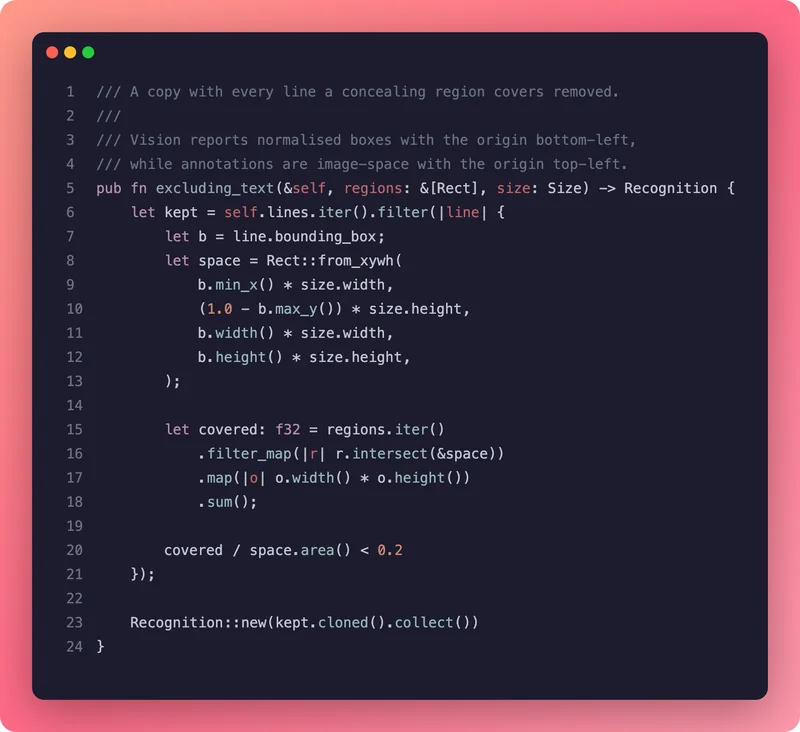
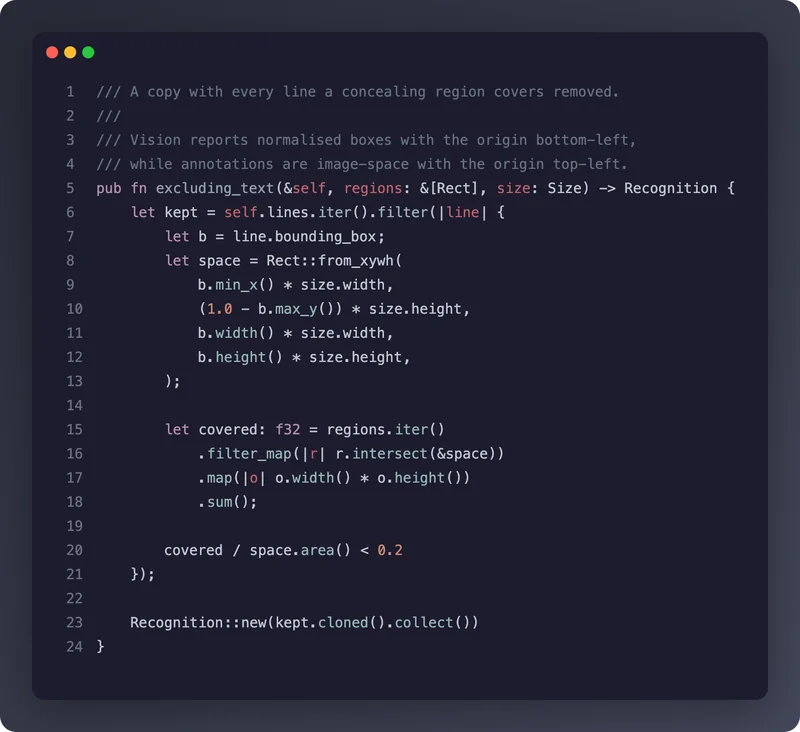
Every image on this page came out of PixCap.
Not mockups. One Rust function, marked up and exported through the same renderer that ships in the app — annotations, background, and all.
Open source
Read it, build it, change it.
The whole thing is public: the Rust core that renders and stores, the Swift app, the WinUI app, and the build scripts that sign and package both. If you do not trust a tool that can see your screen, do not take our word for it — read the source.
Download
Free, open source, about eleven megabytes.
Signed and notarised on macOS. SHA-256 checksums published with every release, so you can verify what you downloaded.
macOS
Apple silicon & Intel · macOS 14 or newer · signed and notarised by Apple, so it opens without a warning
Download .dmg